Start with a brief
Explain the subject, composition, lighting and intended use. References can make a direction more specific.
Describe the image you have in mind. Add references, choose a direction and keep refining the result in the same conversation.
Brief, references and scenes.
One shared project.
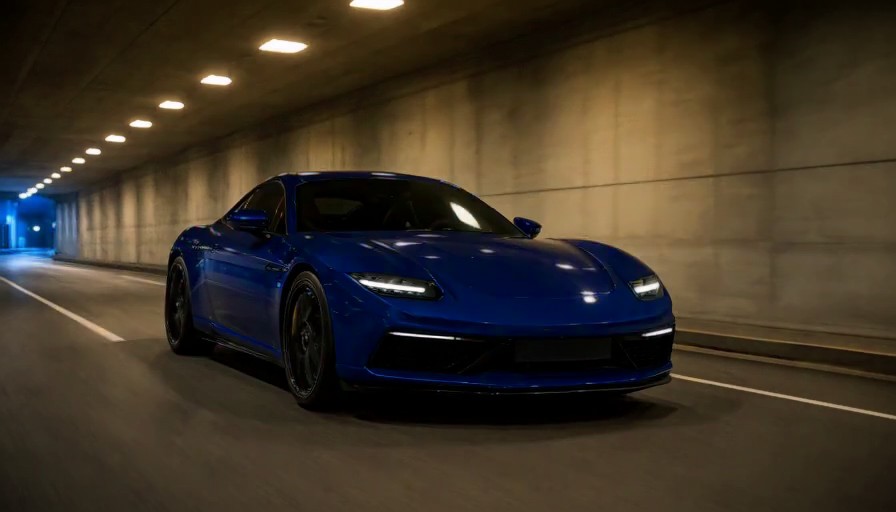 Your creative direction
Explain the subject, composition, lighting and intended use. References can make a direction more specific.
Ask for a new variation or an edit without rebuilding the entire brief. Earlier files remain part of the project.
Use a ready image as the input for a later scene or place it on your timeline.
A project holds the creative brief alongside your images, so refinements can refer to the same subject and style.
An image can be the starting point for an ad, an avatar reference or a video scene. Connected generations use the actual output of an earlier task.